
Framework Laptop 13 Pro: Major Upgrades and Linux Front and Center
Framework is well known for its repairable laptops for several years now. They produce quality hardware that is easy to upgrade too, with some minor annoyances: hinges that tend to be a little weak, poor quality speakers, and relatively short battery life. So you get a lot of positives, with some aspects that you have to compromise with. But the time of trade-offs may reach an end. Framework has announced on the 21st of April 2026 its new hardware projects, and the most relevant one is their new Framework Laptop 13 Pro.
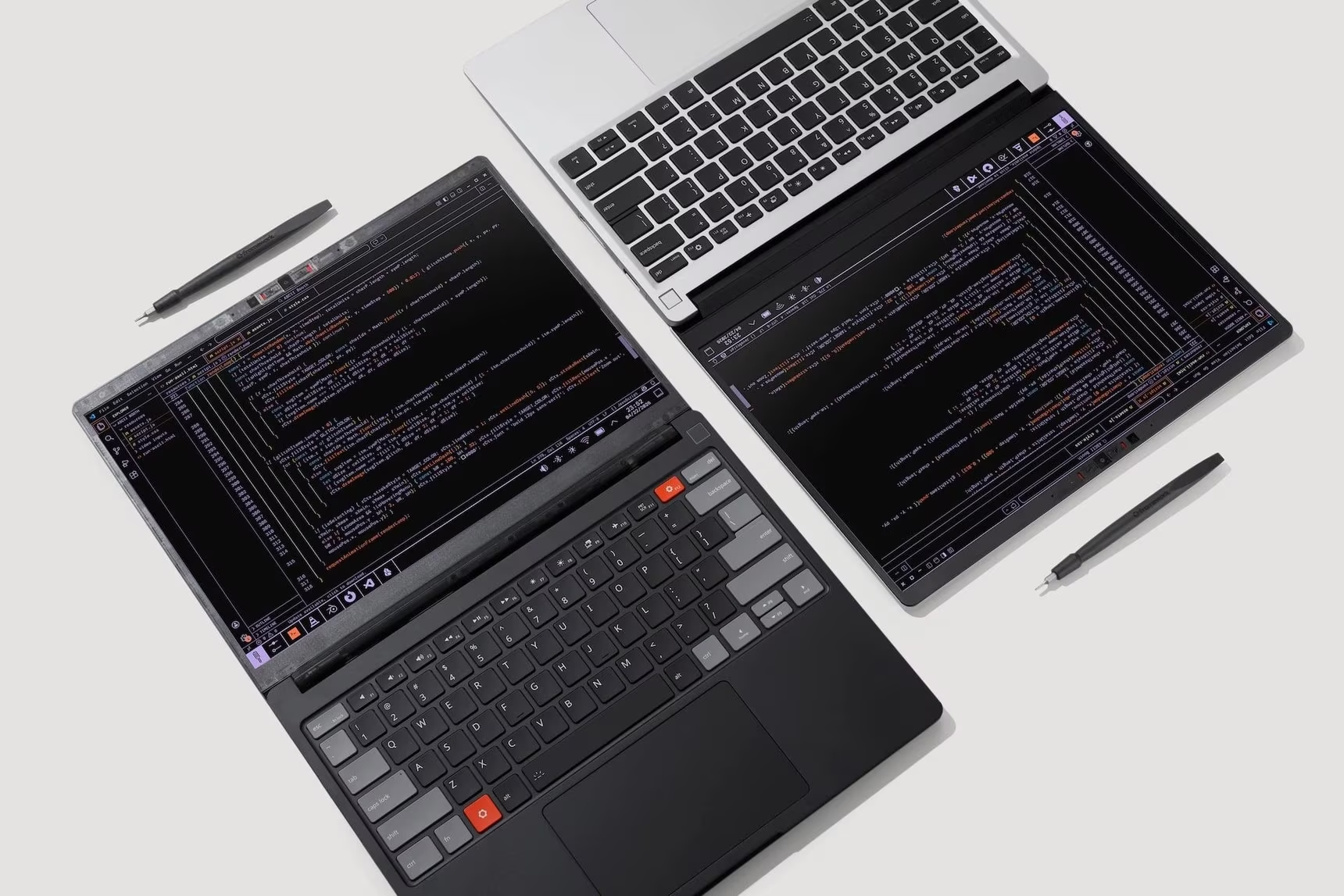
It’s a ground-up redesign that addresses nearly every shortcoming of the previous iterations. As I was watching the video of their conference, I started feeling a little nervous by this announcement. A Pro model? As in, a new chassis right? Which means, a new platform for which previous motherboards and parts will not work anymore, right? Oh No!
Turns out my fears were ill founded. Let’s go into more details.
A New CNC Aluminum Chassis
The build quality is one of the key upgrades this time around. The Framework Laptop 13 Pro features a CNC-machined 6000-series aluminum chassis that is more rigid than previous models. This seems to solve the wobbly screen effect I mentioned in my previous reviews.
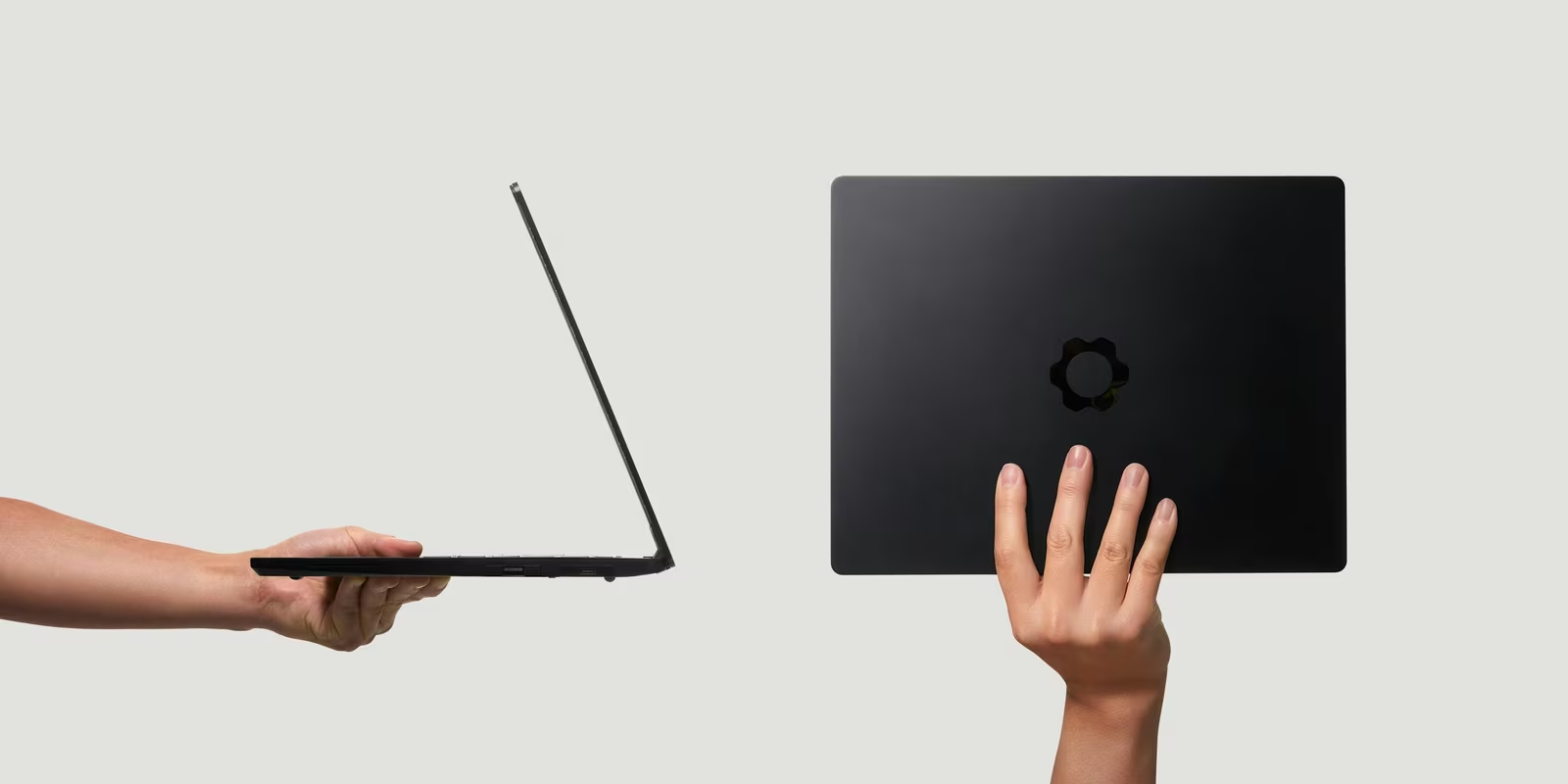
The Pro comes in a sleek new graphite (i.e. black) color option, though silver parts remain available if that’s what you prefer. It weighs 1.4kg which is just slightly heavier than the original at 1.3kg, but close to the average of this category.
Previous models features a fairly poor quality pair of speakers (or at least providing sub-par sound) as reported several times before, this time the Pro model comes with side speakers equipped with Dolby Atmos support (Dolby support works only on Windows, though).
Improved Battery Life
This new model packs a 74Whr battery which is a 20% increase over the previous 61Whr battery found in the latest model. More importantly, Framework claims that they can sustain 20 hours of battery life (measured when streaming 4K netflix videos). Some of the folks who had access to pre-release units are apparently confirming the huge upgrade in battery life.
To make this larger battery fit, Framework had to redesign both the bottom case and the keyboard/trackpad module. So if you want to use the larger battery on an older chassis, it looks like you will have to upgrade to a new cover as well.
The battery life improvements are not just coming from the larger battery, but also the new Intel Core Ultra Series 3 chips (aka Panther Lake). They seem to be way more efficient that the previous Intel chips from the Framework Laptop 13 model, and bring:
- PCIe 5.0 support (first for Framework)
- Wi-Fi 7 connectivity
- Up to Intel B390 integrated graphics (Arc B390 / B370)
Framework also continues to offer AMD Ryzen AI 300-series mainboards) for those who prefer AMD silicon.
To go with the larger battery, a 100W GaN charger replaces the previous 60W charger.
A Custom Display
For the first time, Framework delivers a fully custom display made for their model, rather than taking something off the shelves. This is not an OLED display (but IPS) yet it looks like a great upgrade on paper:
- 700 nits brightness (up from 500 nits)
- 1,800:1 contrast ratio (up from 1,500:1)
- 30-120Hz variable refresh rate which probably plays a role to save battery life
- Touchscreen support (first on a 13-inch Framework)
- Square corners instead of the rounded corners from previous panels
- Per-unit color calibration and anti-glare coating
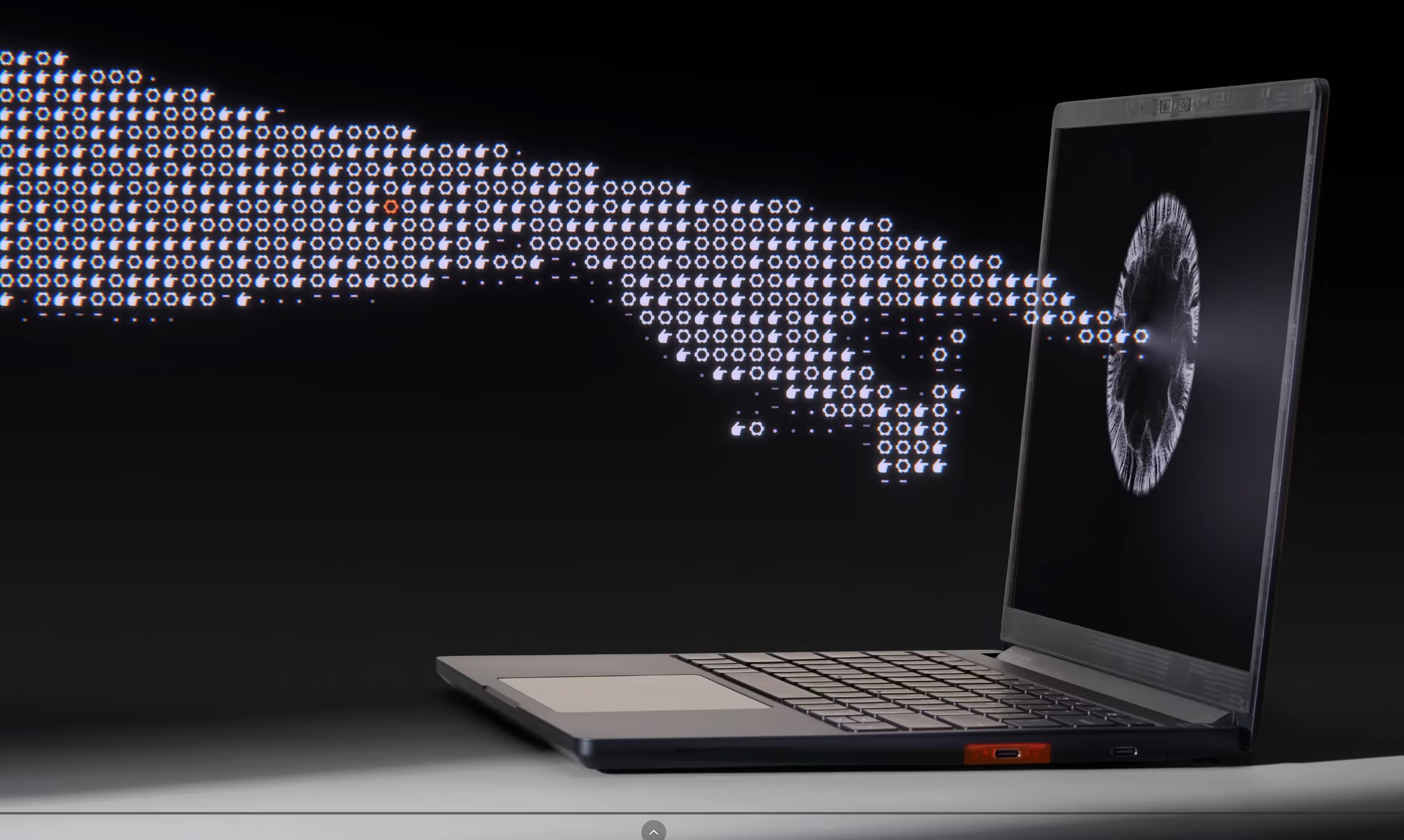
The display maintains the very productive 3:2 aspect ratio with 2880x1920 resolution.
Haptic Touchpad
While I care more about the lack of physical mouse buttons than anything else, some users are not happy with the touchpad found on the previous Framework laptop models. Especially Mac users, I guess, who consider that anything that is slightly different from the way a Mac is working to be an heresy.
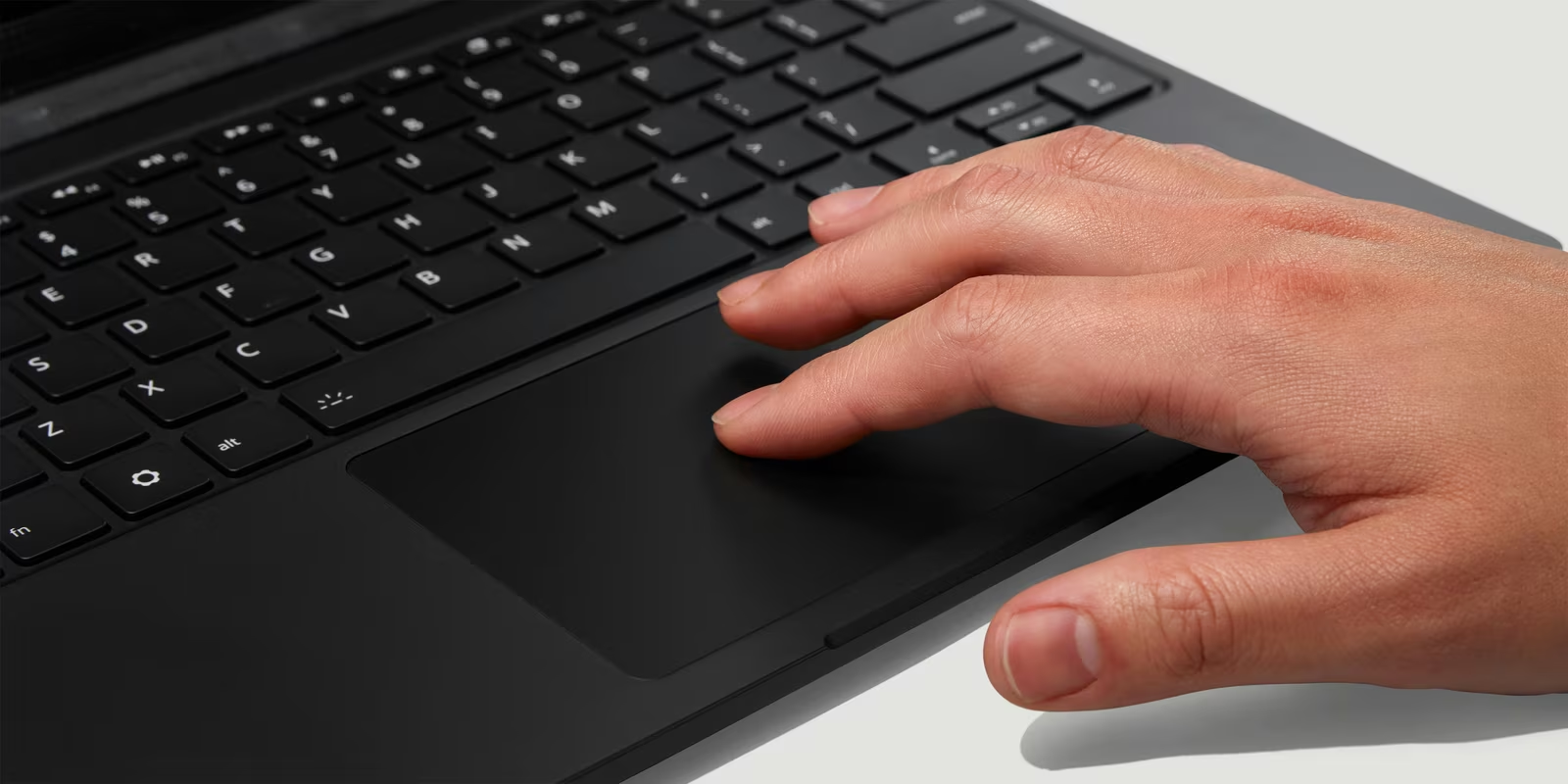
To make the whiners calm down, Framework has sourced a new haptic touchpad from LiteOn, which uses four piezo elements to simulate clicks without moving parts. This is also what frees up internal space for the battery we mentioned earlier.
A new LPCAMM2 Memory Module - Still Upgradeable!
One of the feat of this new Laptop 13 Pro is to keep making it possible to upgrade RAM modules. Yup, despite the modern hardware, there’s no soldered RAM on this model! Phew!
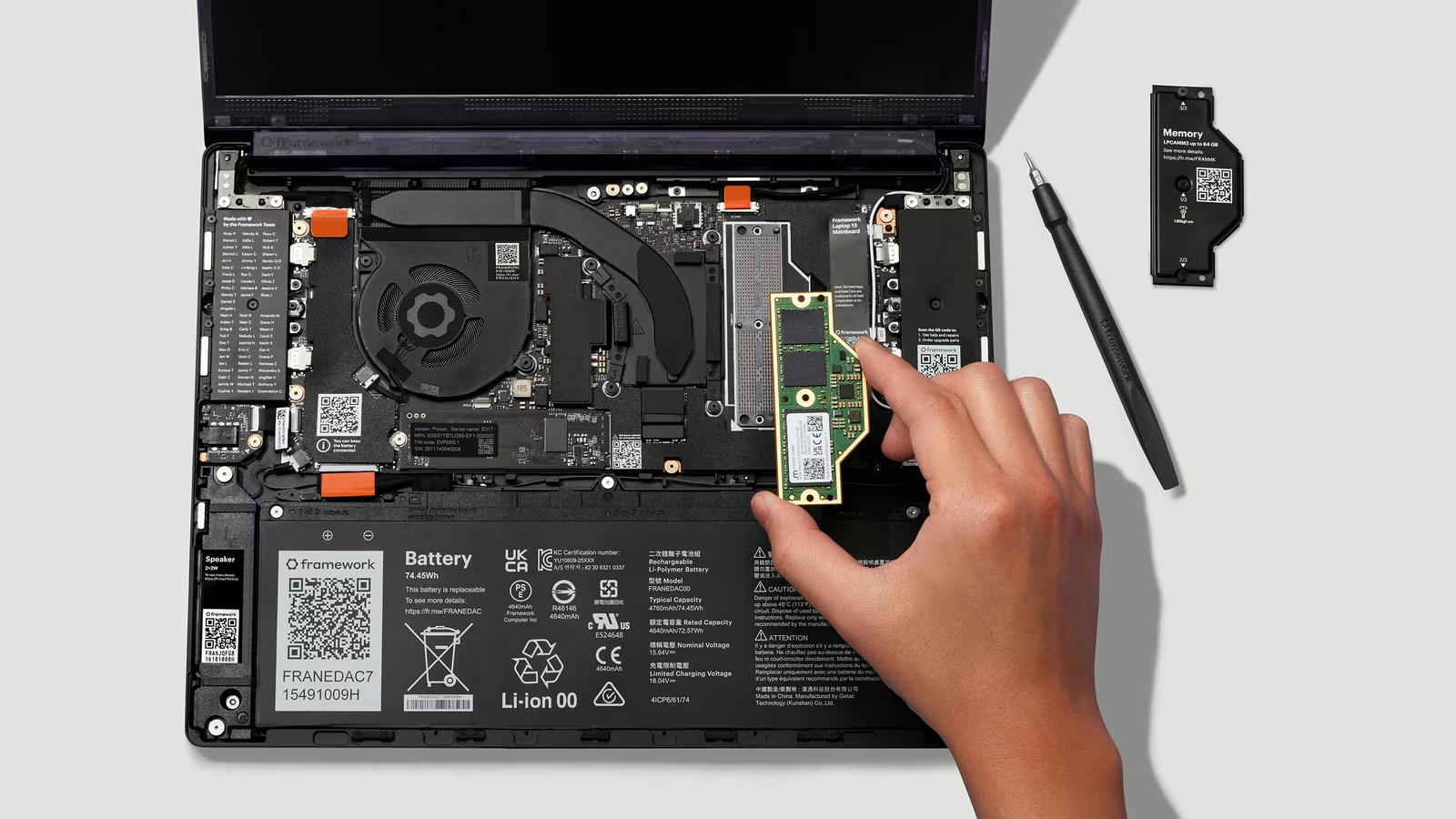
It shifts to LPCAMM2 (Compression-Attached Memory Module) 2 modules (made necessary by the Arc architecture of the new Intel chips). This new format provides the power efficiency and speed of LPDDR5X-8533 memory being user replaceable. You can get modules of different memory sizes: 16GB, 32GB, and 64GB configurations, with speeds up to 7,467 MT/s. Not sure if that format is going to be a standard across many other laptops from now on, though - and their price will depend on their general availability, as usual.
Backward Compatibility Still Works
Despite the major changes, Framework has maintained backward compatibility. You can:
- Install the new Core Ultra motherboard in an existing Laptop 13
- Use older motherboards in the new Pro chassis
- Mix and match parts incrementally
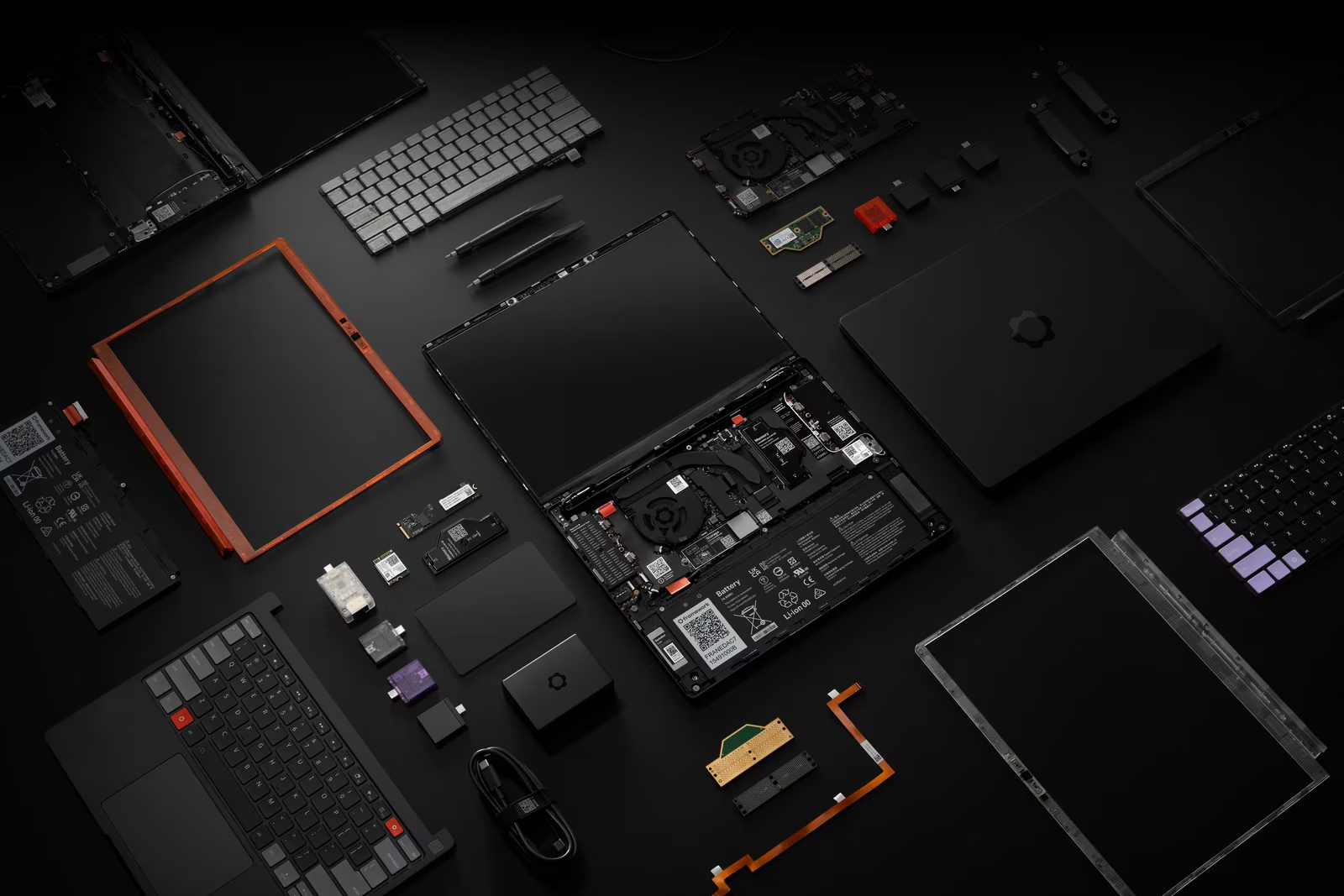
The only incompatibility is the keyboard/trackpad/battery trio due to the new chassis geometry. Framework offers “Bottom Cover Upgrade Kits” for existing owners who want to upgrade piece by piece. They have made a very nice page to clarify what you should expect in terms of parts compatibility.
Official Linux Support
While Framework has had a friendly attitude towards Linux, with pages dedicated on recommending distros and steps to install Linux on their previous nodels, this is the first time that Framework is selling hardware with Linux pre-installed, and in this case they went with Ubuntu - and along the way certified the Laptop for Ubuntu as well.
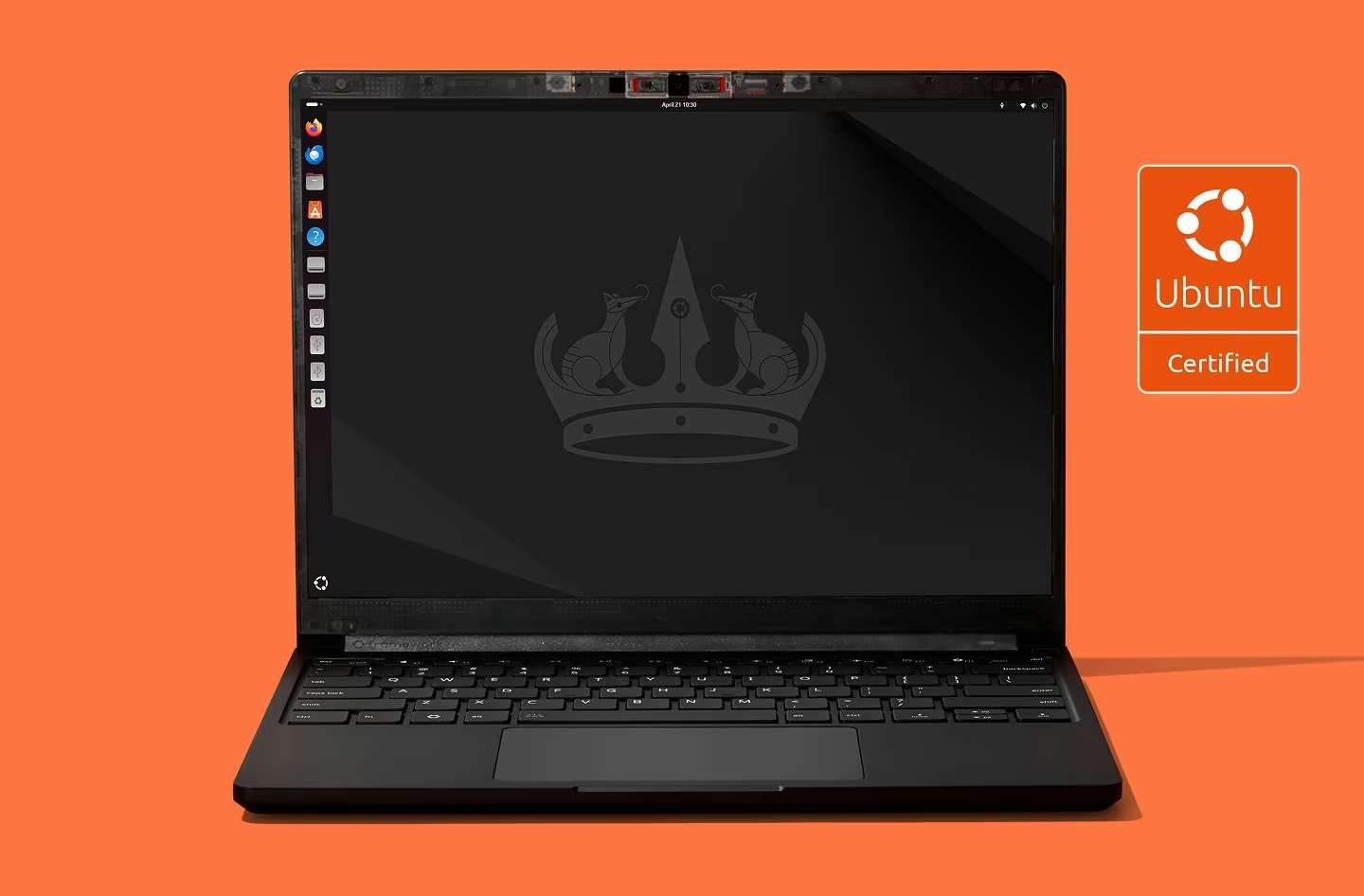
It looks like this move has made some waves since their announcement, as the Ubuntu version of the laptop has sold faster than the Windows one, according to this post on X:

And it’s selling well, better than they expected. All good for the future. May others follow you in this path!
Pricing and Availability
The Framework Laptop 13 Pro is not going to be a cheap upgrade, but the DIY Edition is always going to be the winner if you like building it like a chef:
- $1,199 for DIY Edition (Core Ultra 5, no RAM/SSD/OS)
- $1,499 for pre-built with Ubuntu Linux - certified
- $1,599 for Core Ultra X7 configurations
- $1,799 for the limited Core Ultra X9 “halo” configuration
Pre-orders are available now, with shipping beginning in June 2026.
In any case, this is an excellent piece of news, showing that Framework has been listening to feedback, and is up to the task to make truly superior laptop PC hardware, where every other company is going for easy solutions instead.