
SteamOS 3.8.28 is a Big Update for the Steam Deck and Steam Machine
Valve has just recently shipped SteamOS 3.8.28 stable, and this is a major update for the Steam Deck, but not only.
What actually shipped
Stable rolled out on September 25th for all users. Read the release notes carefully: they cover everything since the previous stable (which Valve labels 3.8.16), not what landed in this build alone, plus a short delta against the 3.8.27 beta, which contained exactly one item: fixing degraded game performance after sleep/resume on systems with AMD discrete GPUs. That detail says more than any headline feature does about where Valve is right now. One fix went to beta September 22–23 and hit stable within days. That’s pretty fast cycle from beta to stable.

Two items carry the release’s weight:
- A new major Mesa driver. No exact build number in the notes, just “a new major release” with a lot of ray-tracing performance improvements. The same work first appeared in beta on June 30 (SteamOS 3.8.20), and at that time the new Mesa build was Mesa 26.1 so it could be either that one or a slightly more recent version.
- Greatly improved VRAM management: “improving performance and stability in cases where VRAM is limited.” That one sentence is mostly the reason why we have this post today.
The rest of the general list:
- Faster Steam Machine splash screen at startup
- Wake-from-sleep via the 2015 Steam Controller Wireless Adapter
- Preliminary support for the Steam Frame Wireless Adapter following the Steam Frame release
- Steam Controller (2026) added to the built-in
hid_steamdriver, so it works in native controller apps even when Steam isn’t running.
The fix list is long but skimmable: black screens in some launchers (Zenless Zone Zero, FFXIV), HDMI hotplug lockups in Desktop Mode, TVs’ “Game Mode” boot-logo flash delay, slow or stuck Wi-Fi on certain adapters, failed prior update applications for some users, Firefox freezing fullscreen in Desktop Mode, a blank-right-eye workaround for UE5 VR games, Switch Pro (v1) Bluetooth instability, sub-640x480 resolutions breaking Desktop Mode, resume freezes when an SD card is removed mid-suspend, and a rare Steam Deck fan-speed reversion to BIOS control. Nothing earth-shattering here.
The VRAM thing is important
The Deck is a unified-memory machine: CPU and GPU share the same 16 GB of RAM. The BIOS has a UMA Frame Buffer Size setting that defaults to reserving 1 GB for the GPU, but SteamOS can burst past that dynamically. How far up it goes depends who you ask: one long-running thread says it grows in 512 MB chunks toward an ~8 GB hard limit; another reports dynamic allocation reaching 6 GB on demand and calls the BIOS value merely a minimum floor. No authoritative ceiling is published, which tells you Valve treats this as something to manage for you rather than configure by hand.
What nobody disputes is what happens when the pool runs dry: texture streaming stalls, stutters and hitches in frame time, and sometimes lost frames. Natalie Vock (Valve contractor on AMD graphics drivers) has described limited-VRAM gaming as routine behavior on devices like the Deck, resulting in such loss of performance. Nathalie’s work on VRAM allocation improves significantly on that.
Prioritization via cgroups now allows the game to use pretty much every last byte of VRAM for actual gaming purposes. It’s a bit hard to compare precise numbers on how the game performs, because the VRAM shortage slowly develops over time as you run around in the game, but the improvement should be obvious when comparing how games feel when you play them for a while. Instead of performance slowly degrading over time, games should perform much more stable - as long as the game itself doesn’t use more VRAM than you actually have. Generally, it seems like even modern games stay within a memory budget of ~8GB or a bit less, so if you have a GPU with 8GB of VRAM, you should be good to go with today’s games.
And it hits specific titles because of how they’re built, not because your hardware is weak:
- Hogwarts Legacy has an official-community stuttering optimization guide and a Nexus performance mod whose headline feature is “Smart VRAM Management”, retuning texture streaming pools to prevent out-of-memory crashes while exploring or flying.
- After SteamOS 3.4.11 changed how memory was handled in October 2023, the community PSA named Baldur’s Gate 3 (“significantly reduced popin”) and The Division 2 as titles that responded to more allocation.
- Community settings guides for Cyberpunk 2077 treat texture quality as the VRAM budget knob: keep textures high, cut expensive effects first. Raw FPS levers like TDP or render scale come after.
- And then there’s RDR2 showing its head again: an August 2022 stable update capped GPU memory at ~3 GB and the game “maxes out, which causes it to drop like crazy everywhere.” It became the canonical case precisely because its menu shows VRAM usage, so you could watch it wall, and see it affect the game performance immediately.
Raising your allocation can also make games worse. The The Last of Us Part I threads on r/SteamDeck put it plainly: shifting the default split “might benefit you, or hurt depending on what CPU needs.” So “just raise your VRAM” was always a coin flip dressed up as advice, which is why the community split cleanly on whether manual knobs matter for Linux users at all. Valve clearly reached the same conclusion, because instead of asking you to manage memory, they’ve been managing it:
- April 2026: Vock published kernel patches that detect game processes and prioritize their VRAM over other apps. In her demo, cutting a game’s slower GTT fallback path from ~1.37 GB down to ~650 MB. Easiest access at the time was CachyOS with KDE; it mattered most for 8 GB discrete-GPU machines since Deck memory is shared anyway.
- July 2026: David Vernet’s AMD P-State per-core EPP patch series targeted frame-time tails specifically. Games’ render threads block briefly on a futex or GPU fence every single frame, and those micro-stalls are what inflate your percentiles. Tested with Civilization VI: up to +31.8% on 1% lows. Not upstreamed as of writing, meaning it’s in-box here first (or at all).
SteamOS 3.8.28 is that body of work promoted to everyone, stacked with two more months of fixes and hardware enablement from betas 3.8.17–3.8.27. The Mesa major and the dGPU VRAM management shipped in a beta on June 30. This isn’t new code landing today. It’s the version you’ve been testing without knowing it was being tested.
Who actually benefits
So the following benefits from this update:
Steam Deck. If your texture-heavy AAA titles stumble in framerates, re-test them after installing the new stable. Previously VRAM-limited games could be running better overall. From now on you can just focus on your settings profiles instead of trying to touch your BIOS settings: we are not in 2023 anymore! The OS should do the job for you with this update.
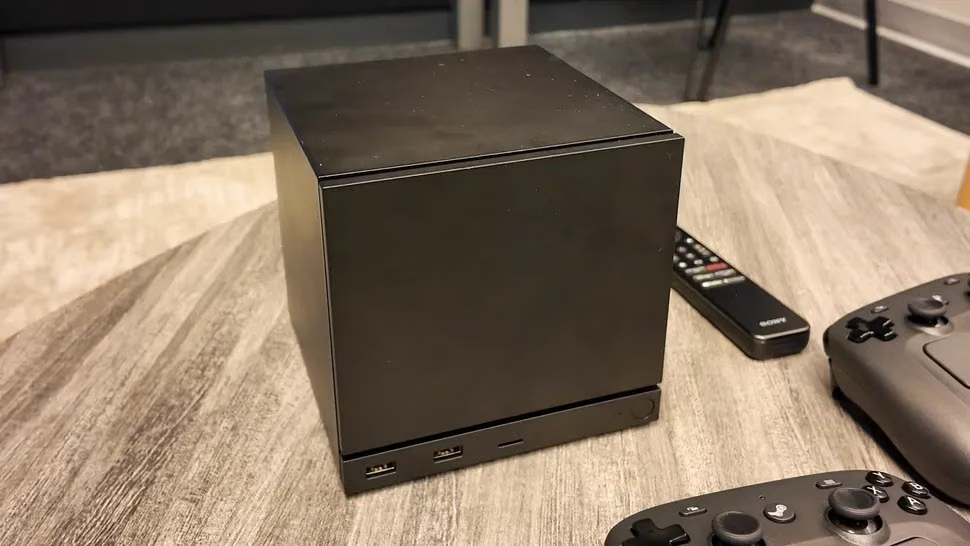
Steam Machine and other dGPU boxes. This is where Vock’s prioritization work bites hardest, because memory on an 8 GB card isn’t shared with anything else, it just runs out. You also get Firmware 108 fixes (no more waking instantly right after going to sleep; a rare post-wake CPU performance degradation that needed a reboot), the faster splash screen, and the AMD dGPU sleep/resume fix from beta aimed squarely at systems that lost performance after wake. Bonus: Diablo 4 players have reported running out of VRAM on their PC but not their Deck: unified memory means some titles are more starved off-Deck than on it, so this path matters to people who don’t own a handheld either.
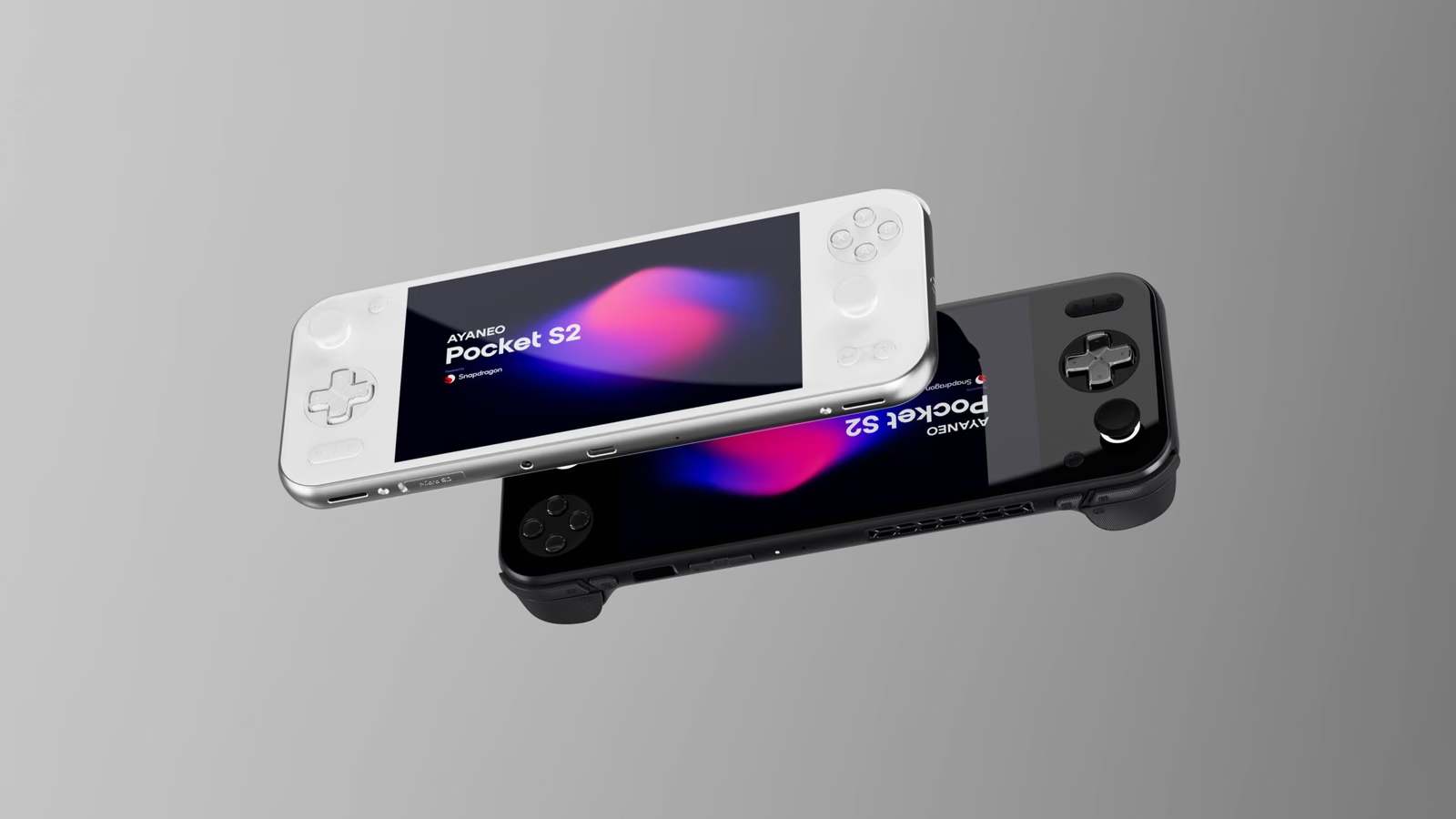
Third-party handhelds. The biggest section in the notes, is about more support to third party handhelds:
- Improved MSI Claw/OneXPlayer variant support
- Initial gamepad support for MSI Claw 8 EX AI+
- Konkr FIT and AYANEO Pocket S2
- OneXplayer Apex updated for new firmware
- Controller additions for missing OneXPlayer F1 / OneXPlayer 2 SE models.
- Regression fixes I’d call quality-of-life gold: MSI Claw losing its Guide/Quick-Access button on newer firmware, Legion Go gyro failing to initialize with older controller firmware, and OneXplayer F1 rumble being blocked at low joystick poll rate, which was what made the M1’s extra shoulder button non-functional. Battery-display bugs fixed on Lenovo Legion Go models too.
Everyone else. There’s a bit more: Settings → Audio gains a “reset all audio config to defaults” option (you know you need it), HDMI audio dropouts are patched for some game/TV combos, hotplug detection is more reliable, and there’s an opt-in to prefer lower-latency Bluetooth codecs (nice!). And the kernel gets upgraded to 6.18.50. Funny that even though they are running some build of Arch Linux, they are pretty far away from the most recent kernels used (my arch machine is on 7.2.6 at the time of writing).
What’s not here
The big thing: NVIDIA support is still missing. Valve says they “continue working on NVIDIA support” per their September 15 posts, with hibernation and other major changes sitting in the SteamOS 3.9.1 Preview branch that shipped alongside the .27 beta ten days ago. The next release will be probably focusing on the Steam Frame support. Not sure if the new AMD dGPU sleep/resume fix (the entire content of the .28 beta) also makes it into the 3.9 branch: it does not seem to be confirmed yet. If you were considering SteamOS for your Nvidia machine, you might want to wait a little more.
How to get it
Should be automated, with notifications in settings. Install it: Settings → System → Update SteamOS, reboot once, done. Free, native, no caveats beyond the usual “it takes a while.” This is a maintenance-style promotion rather than a feature drop, so nothing breaks by waiting. But if you play texture-hungry AAA on Deck (such as Open World games) or any machine with limited VRAM, this directly targets your most persistent complaint after four years of community PSA culture. Same for 8 GB dGPU owners living with sleep/resume performance loss: that specific fix was the whole beta cycle and it’s yours now.
In any case, congrats to all of those who worked on this release. It’s great to see the hardware is getting regular support and continued development despite not being new anymore.